Zoho Desk Alternative
DocsAlot vs Zoho Desk
A direct comparison for teams deciding whether the next investment should go into a support stack or into stronger documentation.
Read this when Zoho Desk is attractive because of support workflows and AI answers, but the team is also asking whether better documentation could absorb more of the load before another ticket or chat ever starts.
Private migration preview
See your Zoho Desk docs hosted by DocsAlot.
No DNS changes, no downtime, and no public launch. Your current site stays live while you review the editable hosted draft.
See the managed result
Evaluate your content, not an empty template.
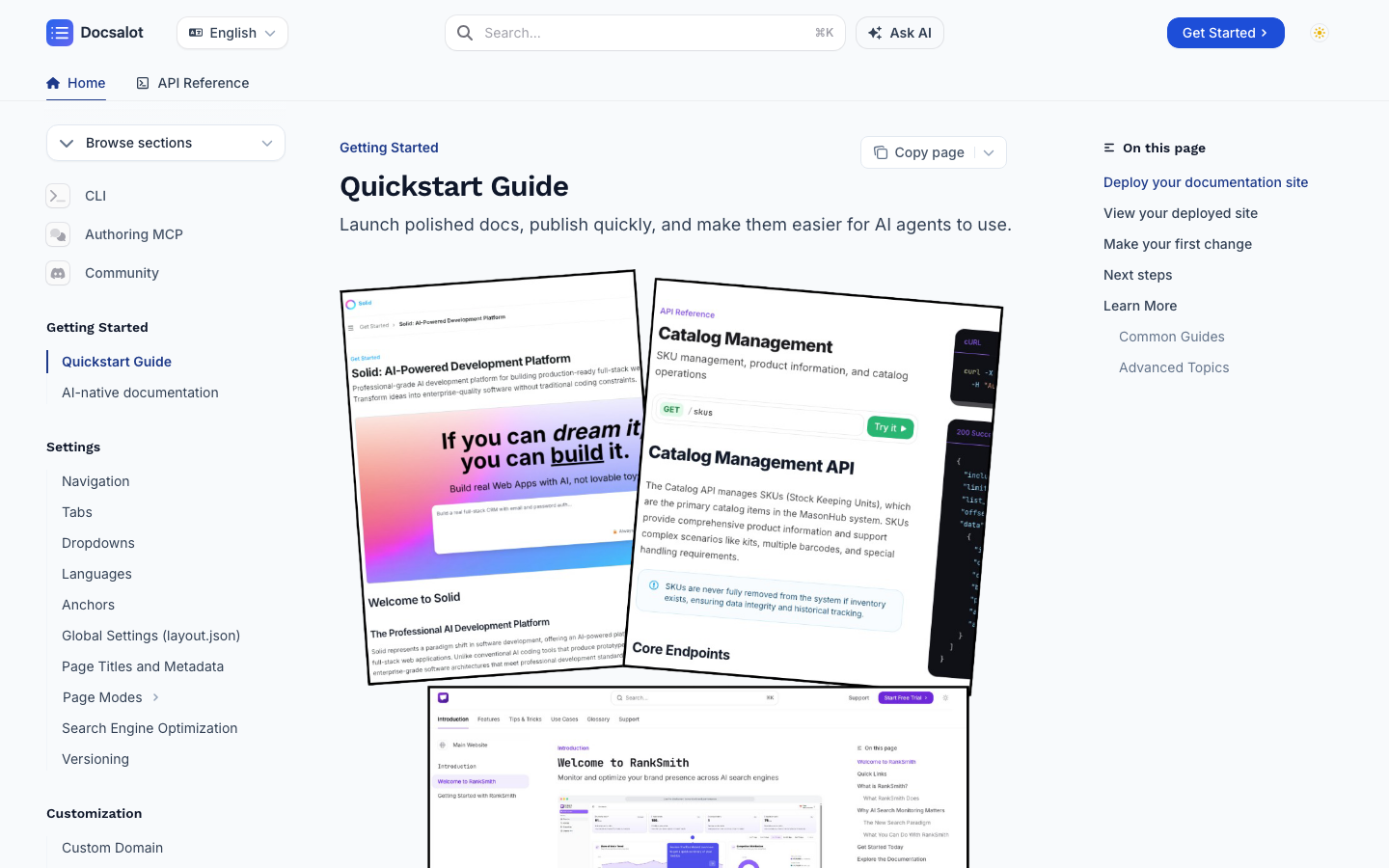
The screenshot shows a live DocsAlot documentation site. Use your current Zoho Desk URL to create the more useful comparison: the same content, navigation, and routes rendered as a private DocsAlot draft.
Starting price
What it costs to get started.
Entry prices are in USD. Compare what is included, not just the number.
Startup includes one managed public docs site, search, a visual editor, and agent-readable docs. See plan details for custom domains and private docs.
This is the helpdesk entry plan. Check which knowledge-base and branding features your region and tier include.
Workflow comparison
Compare what your team gets.
Swipe sideways on mobile to view the full matrix.
| Dimension | DocsAlot | Zoho Desk | Takeaway |
|---|---|---|---|
| Platform center of gravity | Documentation | Support operations | Zoho Desk if the main job is affordable support operations with knowledge built in. DocsAlot if the docs layer itself is the main requirement. |
| Public docs quality | Stronger | Secondary | DocsAlot if external documentation quality and maintenance are the priority. |
| Technical docs fit | Stronger | Limited | DocsAlot if the documentation layer must support APIs, technical guides, and product education. |
| Support-suite depth | Limited | Strong | Zoho Desk if omnichannel support, routing, and a broader service suite are central. |
| AI / agent readiness | llms.txt + skill.md + hosted MCP | Zia AI + help-center AI | Both are AI-facing. Compare where you want AI to sit: inside a service suite or inside a docs-first layer. |
This matrix is intentionally dense because these pages are meant to answer buying questions, not just act as thin keyword landing pages.
Long-form read
What this comparison means in practice.
Use this section to read the buying boundary in plain language before you over-index on the checklist.
Read this when Zoho Desk is attractive because of support workflows and AI answers, but the team is also asking whether better documentation could absorb more of the load before another ticket or chat ever starts.
Zoho Desk is a support suite first and a documentation layer second. It combines omnichannel support, a help center, community forums, Zia AI, and self-service workflows inside a broader customer-service platform. In practice, teams usually choose Zoho Desk when You Already Run on Zoho: Zoho Desk still makes sense when the broader Zoho ecosystem is already the operational center. Support Operations Are the Main Job: The company is really buying a service suite and only secondarily a help center.
DocsAlot is a managed documentation system for teams that want help-center and developer-docs infrastructure, AI-readable outputs, hosted MCP access, and a stronger docs layer than a service-suite knowledge feature usually provides. That becomes the stronger fit when You Need a Stronger Docs Layer: The company wants better public docs, onboarding content, and technical documentation rather than a knowledge feature inside a support suite. You Also Need Technical Docs: The same system must support APIs, technical guides, and product education in addition to help-center content.
Zoho Desk is strongest when support operations and ecosystem fit are the center of gravity. DocsAlot is strongest when the company wants a stronger, more focused documentation layer with lower upkeep. Use the matrix and FAQs to compare workflow and migration fit before you switch.
Migration path
Test a move from Zoho Desk without risking search traffic.
Keep the current site live while you review a private DocsAlot draft. Switch only after the content, design, routes, and redirects have earned approval.
- Start with the live docs. Submit the current public URL so the first draft begins with real content and navigation instead of an empty workspace.
- Review a private preview. Check page structure, code examples, assets, search, responsive behavior, and the published design while the existing site remains untouched.
- Keep the source model that works. Connect the repository when Git should remain canonical, then use pull requests, coding agents, or the browser editor without rebuilding the publishing stack.
- Preserve URLs before DNS changes. Keep the existing domain and page paths wherever possible, then create one-to-one redirects for every route that must change.
- Cut over only after approval. Change the domain when the replacement is ready, submit the sitemap, and monitor indexing, clicks, redirects, and crawl errors after launch.
The evaluation is reversible: your current Zoho Desk site stays live until the DocsAlot version is ready. Preserve the same domain and routes and search engines continue to resolve the same URLs; only the publishing layer changes.
Product shape
What each product is optimized to do.
Two tools can overlap on outputs while still being built for very different documentation jobs. This is the higher-level operating-model read.
Zoho Desk
What Zoho Desk optimizes for.
Zoho Desk is a support suite first and a documentation layer second. It combines omnichannel support, a help center, community forums, Zia AI, and self-service workflows inside a broader customer-service platform.
DocsAlot
What DocsAlot optimizes for.
DocsAlot is a managed documentation system for teams that want help-center and developer-docs infrastructure, AI-readable outputs, hosted MCP access, and a stronger docs layer than a service-suite knowledge feature usually provides.
FAQs
Questions that usually block the switch.
These are usually the questions that slow internal alignment, migration planning, or procurement once the shortlist is already real.
Will moving from Zoho Desk affect our SEO or GEO?
It should not when the migration preserves the current domain, page paths, metadata, canonicals, and internal links. We map changed paths with redirects, validate the sitemap before launch, and keep the existing site live until the replacement is ready.
Can DocsAlot help us migrate from Zoho Desk?
Yes. Start with the current public docs URL and DocsAlot can prepare a private migration draft. We review content, navigation, assets, URL mapping, and redirects before any production cutover.
Can Git remain the source of truth?
Yes. Keep documentation in the repository and use pull requests or coding agents as the primary workflow. DocsAlot adds the hosted preview and publishing layer rather than forcing the source into a proprietary editor.
Do we need to take the current docs offline to evaluate DocsAlot?
No. Build and review the DocsAlot version on a private preview URL while the current site remains untouched. Change the domain only after the content, routes, and design have been approved.
When should we stay with Zoho Desk?
Stay with Zoho Desk when the company is primarily buying support operations, ticketing, routing, agent workspaces, or conversational service. DocsAlot is a documentation platform, not a replacement helpdesk.
Is Zoho Desk a docs tool or a support tool?
It is a support suite first. The help center and knowledge features matter, but the center of gravity is still customer-service operations.
When does Zoho Desk still make more sense?
Zoho Desk makes more sense when the team wants an affordable support suite, especially if it already runs inside the broader Zoho ecosystem.
Which is better for product documentation?
DocsAlot is usually better when the documentation layer itself is the main product surface rather than a feature inside a support stack.
Can I migrate from Zoho Desk?
Yes. Zoho has practical import paths, and moving KB content out is not the hard part. The harder decision is whether your knowledge layer should keep living inside a support suite.
How should I compare pricing here?
Zoho Desk pricing is region-aware and per-user, so it is best understood as service-suite pricing. DocsAlot is simpler when the buying decision is specifically the docs layer.
Customer proof
What teams say after publishing with DocsAlot.
These are DocsAlot customers and live documentation sites. They are product proof, not a claim that every customer migrated from Zoho Desk.
"Fantastic stuff! The introduction perfectly nails the Mako Code's idea. I particularly enjoyed the Technical Deep Dive with its explained code snippets, and the Project Architecture's file tree was both cool and useful."
"I don't know what you did, but it's amazing. Just having our docs on DocsAlot gave us an uptick in SEO, the page-load speed is super fast, and auto-sync is a game changer."
"We were looking into Mintlify/GitBook for our docs, but were disappointed. Super expensive ($300) for the value they were offering. Switched to DocsAlot and couldn't be happier."
Try the workflow
Ready to test whether DocsAlot fits your documentation stack?
Use your current Zoho Desk docs as the starting point. DocsAlot will carry the public URL into onboarding so you can generate and review an editable migration draft.