MadCap Flare Alternative
DocsAlot vs MadCap Flare
A direct comparison for teams evaluating a lighter hosted docs model against a heavier traditional authoring stack.
Read this when the real question is not feature parity alone, but whether the organization still needs the weight and complexity of MadCap Flare.
Product context
See the product in context.
Use the screenshot as product context only. The later correctness pass still needs to verify detailed claims, pricing, and product boundaries separately.
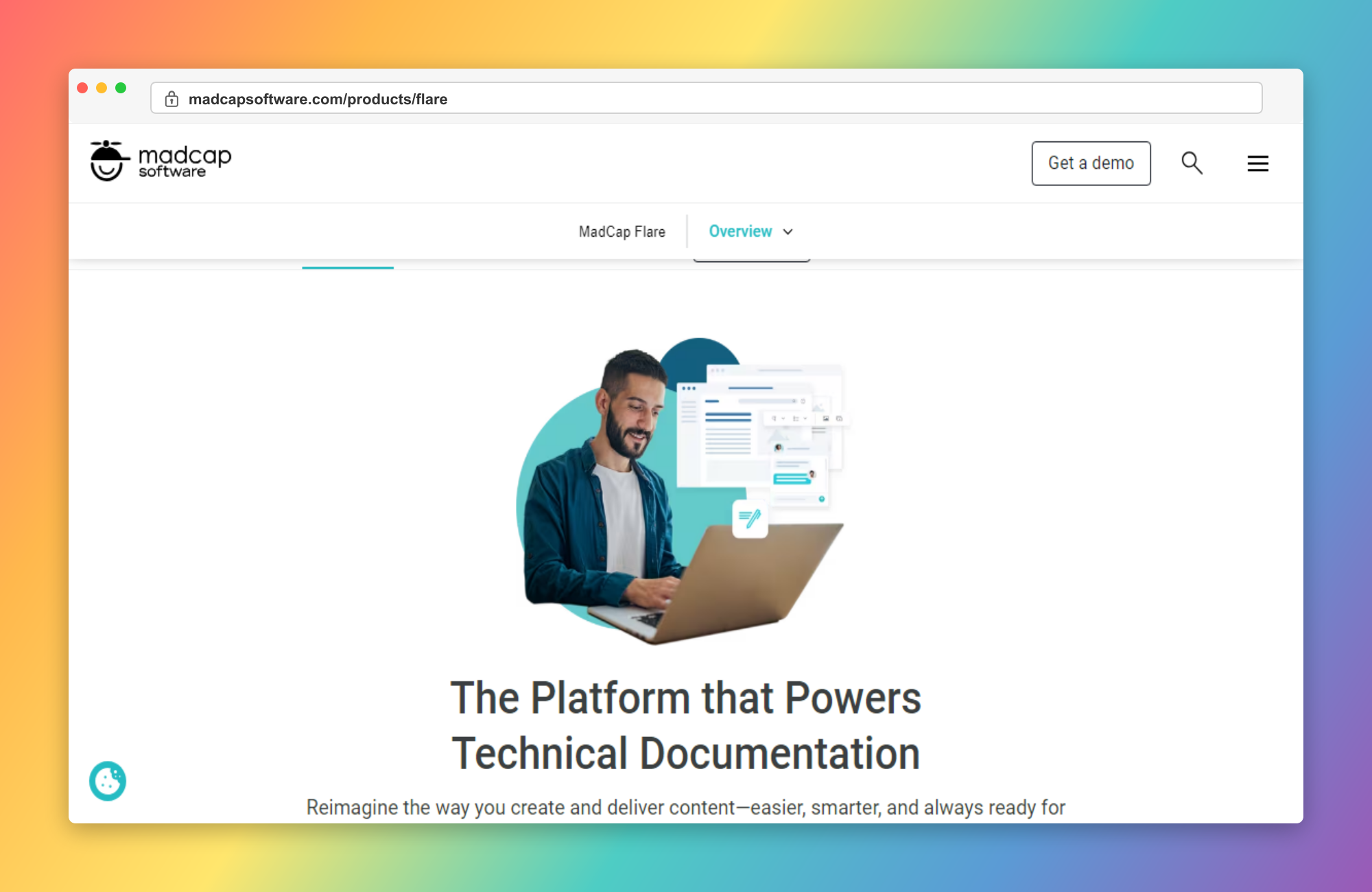
Why teams pick DocsAlot
Where DocsAlot tends to pull ahead.
These are the areas where teams usually stop treating MadCap Flare as good enough and start looking for a docs workflow with less manual upkeep.
Lower Authoring Overhead
DocsAlot is stronger when the team does not want to run a formal technical-authoring stack with deeper process, tooling, and publishing complexity.
AI-Readable Delivery Outside Traditional Publishing
Publish llms.txt, skill.md, and hosted MCP access so agents can consume product knowledge from a canonical docs layer.
Simpler Pricing for Product Teams
DocsAlot starts free and moves to a $99 Team plan, while Flare is licensed per user and pushes buyers toward a more formal enterprise authoring model.
Faster Path to Production Docs
DocsAlot is a better fit when help-center content, product docs, and technical docs need to launch quickly without a specialized documentation team.
Automatic Documentation Refresh
DocsAlot keeps documentation aligned with product and code updates, reducing stale content that teams often face in MadCap Flare.
Pricing model
How the cost shape changes.
Use this as packaging context only. The later correctness pass still needs to verify plan boundaries, current limits, and exact pricing details.
MadCap publicly lists Flare Desktop at $250 per user per month billed annually. Flare Online Individual, Team, and Business are sales-led and still structured around per-user licensing and 12-month commitments.
Startup is free for public docs. Team is $99/month for production help centers and developer docs. Enterprise adds governance, migration support, and rollout help.
Side-by-side matrix
Compare workflow, cost, and maintenance.
This table exists to answer the buying question directly, not just to stack feature checkmarks side by side.
Swipe sideways on mobile to view the full matrix.
| Dimension | DocsAlot | MadCap Flare | Takeaway |
|---|---|---|---|
| Structured authoring depth | Limited | Strong | MadCap Flare if the team needs topic-based authoring, structured publishing, and professional technical-writing depth. |
| Multi-channel publishing | Focused on hosted docs | Strong | MadCap Flare if PDF, HTML5, and other multi-output publishing paths are central. |
| Docs-operating overhead | Lower | Higher | DocsAlot if the team wants to avoid a heavier enterprise authoring stack. |
| Pricing shape | $0-99/month | Per-user authoring licensing | DocsAlot if the docs decision should not require enterprise-style per-author licensing. |
| AI / agent readiness | llms.txt + skill.md + hosted MCP | AI-assisted authoring | DocsAlot if AI-readable delivery is the main job. Flare if AI should mainly assist a professional authoring workflow. |
| Product-team usability | Stronger | More specialized | DocsAlot if the users are product and engineering teams rather than dedicated technical-authoring organizations. |
| Documentation Velocity | High | Medium | DocsAlot - Faster drafting and iteration cycles. |
| Maintenance Overhead | Low | High | DocsAlot - Less manual upkeep over time. |
This matrix is intentionally dense because these pages are meant to answer buying questions, not just act as thin keyword landing pages.
Long-form read
What this comparison means in practice.
This is the prose shelf the template needs so future SEO density can feel editorial, not bolted on after the fact.
Read this when the real question is not feature parity alone, but whether the organization still needs the weight and complexity of MadCap Flare.
MadCap Flare is an enterprise technical-authoring platform built for topic-based content, professional documentation workflows, and single-source multi-channel publishing. Its newer Flare Online layer adds cloud collaboration, but the product still plays a very different game from lighter product-docs tools. In practice, teams usually choose MadCap Flare when Structured Publishing Is Core: You need topic-based authoring, professional technical-writing workflows, and a real single-source publishing system. Multi-Format Output Matters: PDF, HTML5, and other documentation outputs are a core requirement, not an edge case.
DocsAlot is a managed documentation system for teams that want help-center and developer-docs infrastructure, AI-readable outputs, hosted MCP access, and a lighter documentation workflow without a formal enterprise authoring stack. That becomes the stronger fit when You Want a Lighter Buying Motion: The team does not want to step into per-user authoring licensing and a more formal enterprise documentation stack. You Need Product Docs Faster: Help-center content, onboarding, and technical docs need to launch without building a specialized authoring organization.
MadCap Flare is strongest for professional technical-authoring depth and structured publishing. DocsAlot is strongest when the team wants lower maintenance, faster rollout, and a lighter path to production docs. On price, MadCap Flare is currently framed as $250/user/month desktop + Flare Online sales tiers, while DocsAlot is $0-99/month + enterprise support. Use the matrix and FAQs below to pressure-test pricing shape, migration support, and fit before you switch.
The eventual content pass should expand this area with denser, source-checked prose instead of relying only on comparison tables and bullets.
Product shape
What each product is optimized to do.
Two tools can overlap on outputs while still being built for very different documentation jobs. This is the higher-level operating-model read.
MadCap Flare
What MadCap Flare optimizes for.
MadCap Flare is an enterprise technical-authoring platform built for topic-based content, professional documentation workflows, and single-source multi-channel publishing. Its newer Flare Online layer adds cloud collaboration, but the product still plays a very different game from lighter product-docs tools.
DocsAlot
What DocsAlot optimizes for.
DocsAlot is a managed documentation system for teams that want help-center and developer-docs infrastructure, AI-readable outputs, hosted MCP access, and a lighter documentation workflow without a formal enterprise authoring stack.
Fit guidance
Who should actually choose which tool.
Use this guide to separate "good enough today" from "built for the way the team wants to work next."
MadCap Flare
Choose MadCap Flare if you need
- Structured Publishing Is Core: You need topic-based authoring, professional technical-writing workflows, and a real single-source publishing system.
- Multi-Format Output Matters: PDF, HTML5, and other documentation outputs are a core requirement, not an edge case.
- You Have a Real Technical Writing Team: Dedicated authoring teams and formal documentation governance already exist and need deeper tooling.
DocsAlot
Choose DocsAlot if you want
- You Want a Lighter Buying Motion: The team does not want to step into per-user authoring licensing and a more formal enterprise documentation stack.
- You Need Product Docs Faster: Help-center content, onboarding, and technical docs need to launch without building a specialized authoring organization.
- AI-Readable Delivery Matters: You want llms.txt, skill.md, and hosted MCP access as part of the documentation system itself.
- You Want Less Authoring Overhead: The team wants a lower-maintenance docs workflow instead of a deeper structured-publishing stack.
Validate fit
Test the shortlist with real workflow signals.
Use the switching reasons below before you commit. The goal is not to prefer the louder product, but to choose the one that creates less documentation drag.
Why teams switch from MadCap Flare
- The authoring platform was powerful, but the team no longer needed such a heavy structured-publishing stack.
- Per-author licensing and enterprise workflow overhead felt too heavy for product-led docs work.
- The documentation program needed faster rollout and simpler operations more than deeper technical-writing controls.
- AI-readable delivery and hosted docs mattered more than traditional multi-channel publishing depth.
- MadCap Flare workflows require too much manual writing and updates.
- Documentation quality drops when release velocity increases.
What DocsAlot changes
- You Want a Lighter Buying Motion: The team does not want to step into per-user authoring licensing and a more formal enterprise documentation stack.
- You Need Product Docs Faster: Help-center content, onboarding, and technical docs need to launch without building a specialized authoring organization.
- AI-Readable Delivery Matters: You want llms.txt, skill.md, and hosted MCP access as part of the documentation system itself.
FAQs
Questions that usually block the switch.
These are usually the questions that slow internal alignment, migration planning, or procurement once the shortlist is already real.
Can I migrate from Flare?
Yes. The practical question is not just content export, but whether you still need Flare’s structured authoring model or whether the docs program now needs a lighter operating model.
Is MadCap Flare still desktop-only?
No. Flare now has a Flare Online collaboration layer. It is still best understood as a professional technical-authoring platform rather than a simple browser-only docs tool.
When does MadCap Flare still make more sense?
Flare still makes more sense when structured authoring, topic-based content, single-source publishing, and a dedicated technical-writing function are central requirements.
Can DocsAlot replace Flare one-for-one?
Not if your team depends on Flare’s deeper structured-authoring and multi-output publishing model. DocsAlot is a lighter documentation workflow, not a full enterprise CCMS replacement.
What is the biggest tradeoff in this comparison?
The tradeoff is authoring depth versus operating simplicity. Flare gives deeper professional documentation tooling. DocsAlot gives a lighter, lower-maintenance path for product and technical docs.
How difficult is migrating from MadCap Flare?
Migration is typically straightforward with phased rollout: import existing content, map navigation, then enrich pages with automation where it adds the most value.
Keep researching
Keep the shortlist moving.
Move sideways from here if the shortlist is still open, or drop back into the earlier-stage head-to-head pages before committing to a direct DocsAlot evaluation.
Try the workflow
Ready to test whether DocsAlot fits your documentation stack?
Start with a trial if you already know the category fit, or use the free audit tools if you want evidence from your current docs before switching.