DocsAlot vs Document360
Document360 Alternative with Code Automation
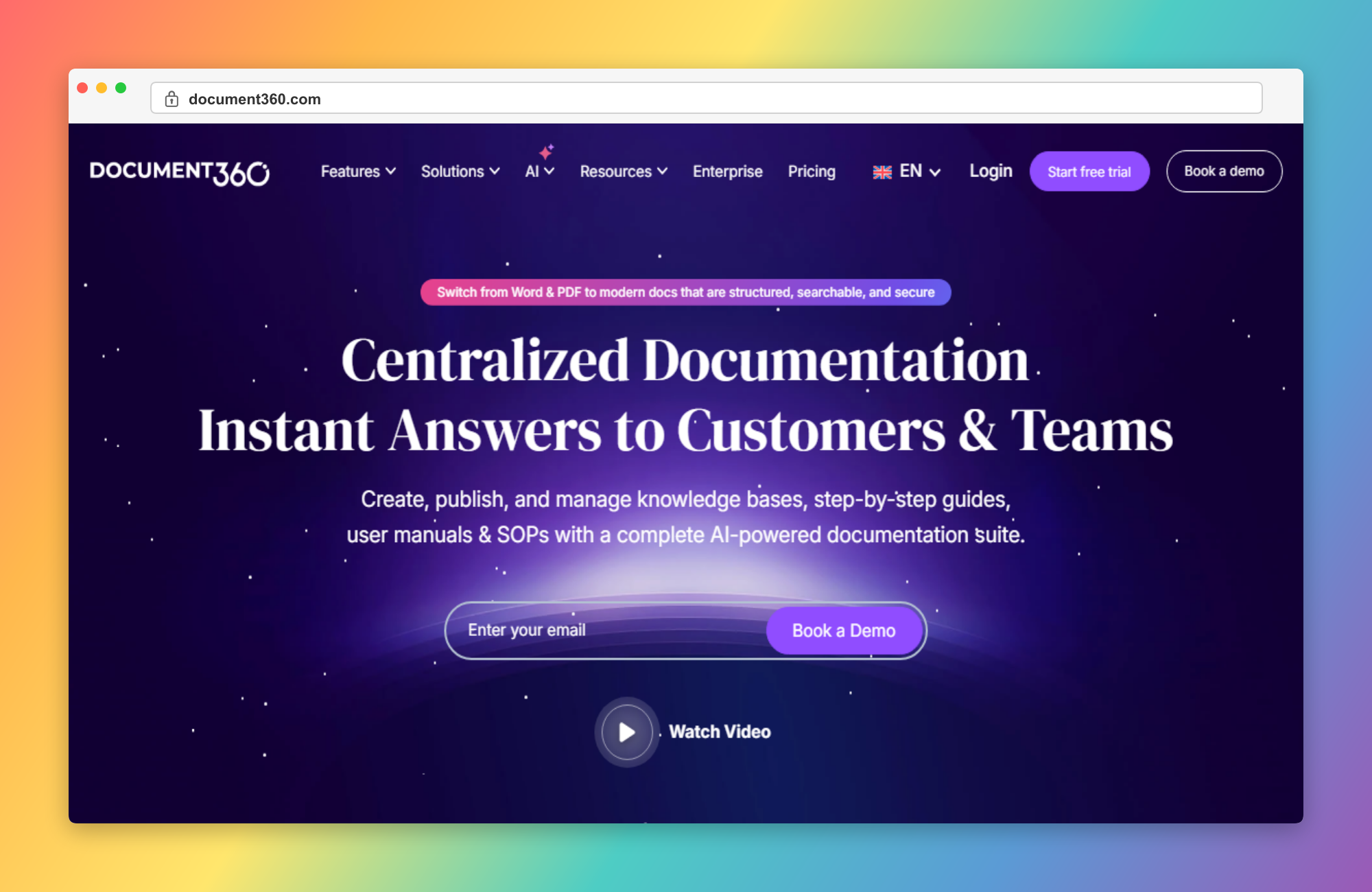
Document360 is a knowledge base platform with a WYSIWYG editor. DocsAlot automates documentation from your codebase. Here's the comparison.
Try DocsAlot free - no credit card required.
Why Choose DocsAlot Over Document360
Key advantages that make DocsAlot the better choice
Automatic Code Sync
Documentation automatically updates when you commit code changes to your repository.
Native Git Integration
Built-in GitHub and GitLab integration that triggers updates on pull requests.
AI-Powered Generation
AI analyzes your codebase and generates comprehensive documentation automatically.
Automatic Documentation Refresh
DocsAlot keeps documentation aligned with product and code updates, reducing stale content that teams often face in Document360.
AI Drafting for New Features
Generate first-draft docs for releases, APIs, and workflows so teams ship faster than manual workflows in Document360.
Pricing Comparison
Document360
Standard: $149/mo (3 users). Professional: $299/mo (5 users). Business: $499/mo (10 users). Enterprise: $599+/mo.
- Free trial
14-day trial
- WYSIWYG editor
Rich text editing
- Categories
Organize docs in folders
- Code sync
Manual updates only
- Core knowledge base
Document360 supports core documentation publishing workflows.
DocsAlot
Free tier available. Pro: $99/mo with unlimited users and AI-powered automation.
- Free tier
1 workflow, 50 PR generations/month
- Unlimited users
No per-user fees
- Auto code sync
Updates on commits
- AI generation
Generates docs from code
- AI-generated first drafts
Speed up writing with generated release, API, and guide content.
- Automation-first maintenance
Reduce repetitive update work as product and docs evolve.
Feature Comparison
| Feature | DocsAlot | Document360 | Notes |
|---|---|---|---|
| Auto-Documentation from Code | DocsAlot - Automatic code documentation. | ||
| WYSIWYG Editor | Tie - Both have visual editors. | ||
| Versioning | Tie - Both support versions. | ||
| Git Integration | DocsAlot - Native GitHub/GitLab sync. | ||
| User Pricing | Flat fee | Per user | DocsAlot - No per-user costs. |
| AI Features | Add-on | DocsAlot - AI included in all plans. | |
| Analytics | Tie - Both have analytics. | ||
| Documentation Velocity | High | Medium | DocsAlot - Faster drafting and iteration cycles. |
Understanding the Difference
Document360
Document360 is a knowledge base platform with a WYSIWYG editor. It's designed for creating help docs, FAQs, and knowledge bases manually. Teams write content using the visual editor, organize it in categories, and publish. Good for customer support and help centers.
DocsAlot
DocsAlot is built for software documentation automation. It connects to your code repository and automatically generates technical documentation as you code. When you push commits, DocsAlot updates the docs. It's designed for dev teams who want docs that maintain themselves.
The key difference: Document360 is for manually creating knowledge bases. DocsAlot automates documentation from code.
Why Teams Are Switching from Document360
Common pain points we hear from teams making the switch
When to Choose DocsAlot
Best for teams who want automated, code-driven documentation
Code-Driven Docs
Documentation automatically generated and updated from your codebase.
Developer Workflow
Native Git integration that fits into your existing development process.
Better Pricing
$0-99/mo flat rate vs $149-599/mo with per-user fees.
Unlimited Users
No per-user pricing. Add your entire team without extra costs.
Legacy Use Cases
Document360 may still work if you're in one of these situations
Customer Support Docs
Need a knowledge base for customer FAQs and help articles, not code docs.
Manual Writing
Prefer writing every word yourself with a WYSIWYG editor.
Multi-Purpose
Need docs for multiple teams (support, sales, product) not just engineering.
Common Questions
Quick answers to help you decide
Yes! Export your docs as Markdown and import them into DocsAlot.
Yes. DocsAlot: $0-99/mo. Document360: $149-599/mo with per-user fees.
DocsAlot. It auto-generates docs from code. Document360 requires manual writing.
Yes! All plans include custom domain support.
Both platforms offer analytics. DocsAlot includes it in all plans.
Migration is typically straightforward with phased rollout: import existing content, map navigation, then enrich pages with automation where it adds the most value.
Ready to move from Document360 to DocsAlot?
Start free in minutes and see why teams choose DocsAlot. No credit card required.
No credit card required • Free tier available • Chat with us directly